Getting Started
Desktop Overview
A tour of the running ArchEclipse session: bar, launcher, side panels, workspaces, lock screen and capture tools.
ArchEclipse is a Hyprland session with a single Quickshell process driving the visible interface. This page is a map of what you see on screen and where the corresponding documentation lives.
The bar#
The bar is a set of floating pills, one set per monitor. The central pill shows the current state: workspaces, window title, media, tray, network, volume, brightness, battery, clock and resource widgets depending on the screen width. Hovering or clicking a pill expands an island in place rather than opening a separate window.
- Main pill — default status, app search, overview, wallpaper picker, system monitor and media player.
- Side pills — left and right panel triggers, recording state and other status indicators.
- Hot zones — moving the pointer to the left or right edge opens the matching panel. Both are enabled by default with a 5 px strip.
- Smart hide / full width / top-bottom orientation are available in the Quickshell settings data; see Bar for the exact behaviour and IPC.
SUPER + ALT + Backspace hides or shows the bar on the focused monitor, and
SUPER + B restarts the shell.
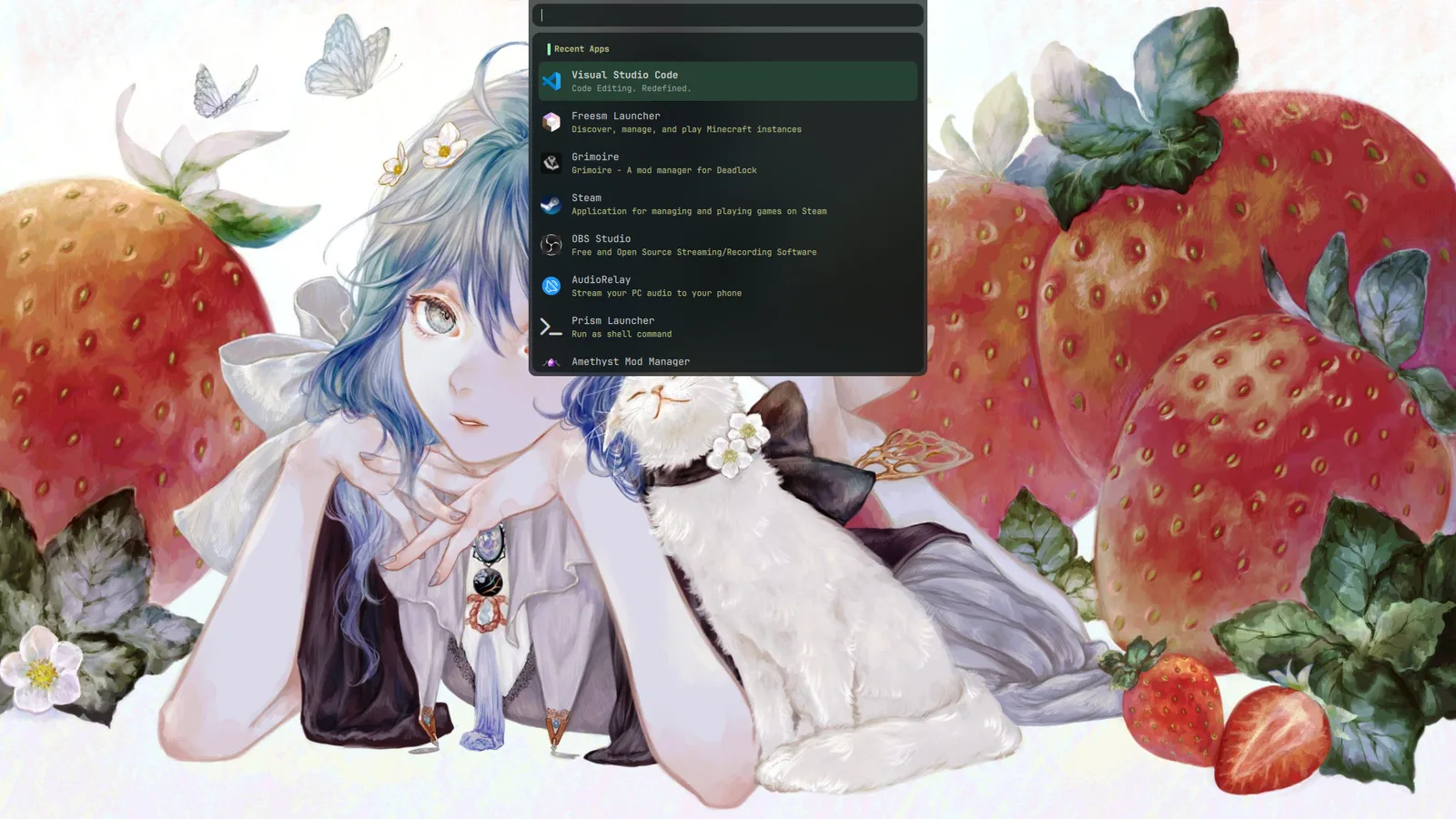
Launcher#
SUPER twice (the bind is SUPER + SUPER_L) toggles the launcher. It is a
Quickshell panel, not Rofi. Depending on the query it provides:
- fuzzy application search and launch history;
- clipboard history (also
SUPER + SHIFT + V); - emoji search (
SUPER + period); - calculator results;
- URL forwarding;
- custom commands and notes (
SUPER + SHIFT + Nopens notes).
SUPER + A opens the all-apps view directly.
Side panels#
The left panel opens with SUPER + L and holds the working tabs:
| Tab | Purpose |
|---|---|
| User profile | Avatar, system identity and a link to the repo dashboard |
| Booru viewer | Danbooru/Gelbooru/Safebooru browsing |
| ChatBot | Multi-provider chat with optional workspace/window/clipboard context |
| Manga viewer | MangaDex reader (marked WIP upstream) |
| Settings | All shell settings, Hyprland rows and capture options |
| Custom scripts | User script shortcuts |
| Key binds | Live list of configured shortcuts |
| Donations | Supporter/donation information |
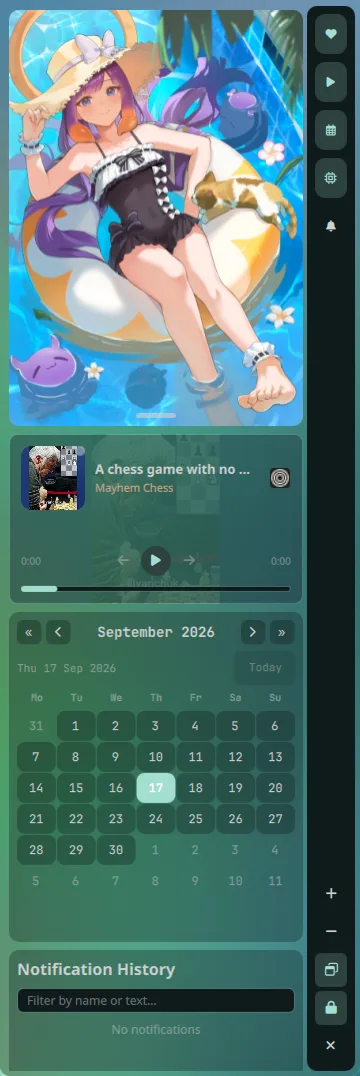
The right panel opens with SUPER + R and renders the enabled widgets in the
order configured in Settings: Waifu, Media, Notification history, Calendar and
System resources by default.
Media panel#
SUPER + M toggles a standalone player window with media controls and lyrics,
independent of the bar and of the right panel's Media widget.
Workspaces#
Ten numbered workspaces are bound directly. Numpad keys map to workspaces 11–20.
Apps are placed by rules in
~/.config/hypr/config/windowrule.lua and startup modules in
~/.config/hypr/config/custom/:
| Workspace | Typical content |
|---|---|
| 2 | Browser (generated from your installer choice) |
| 4 | Spotify |
| 5 | btop via SUPER + P |
| 6 | Discord client (generated from your installer choice) |
| 7 | Steam and Lutris windows |
| 9 | grass |
| 10 | Steam games, .exe apps and Minecraft |
Workspace 1, 3 and 8 have no forced app. The special workspace (SUPER + S) is
configured to open foot when created empty.
Lock screen and suspend#
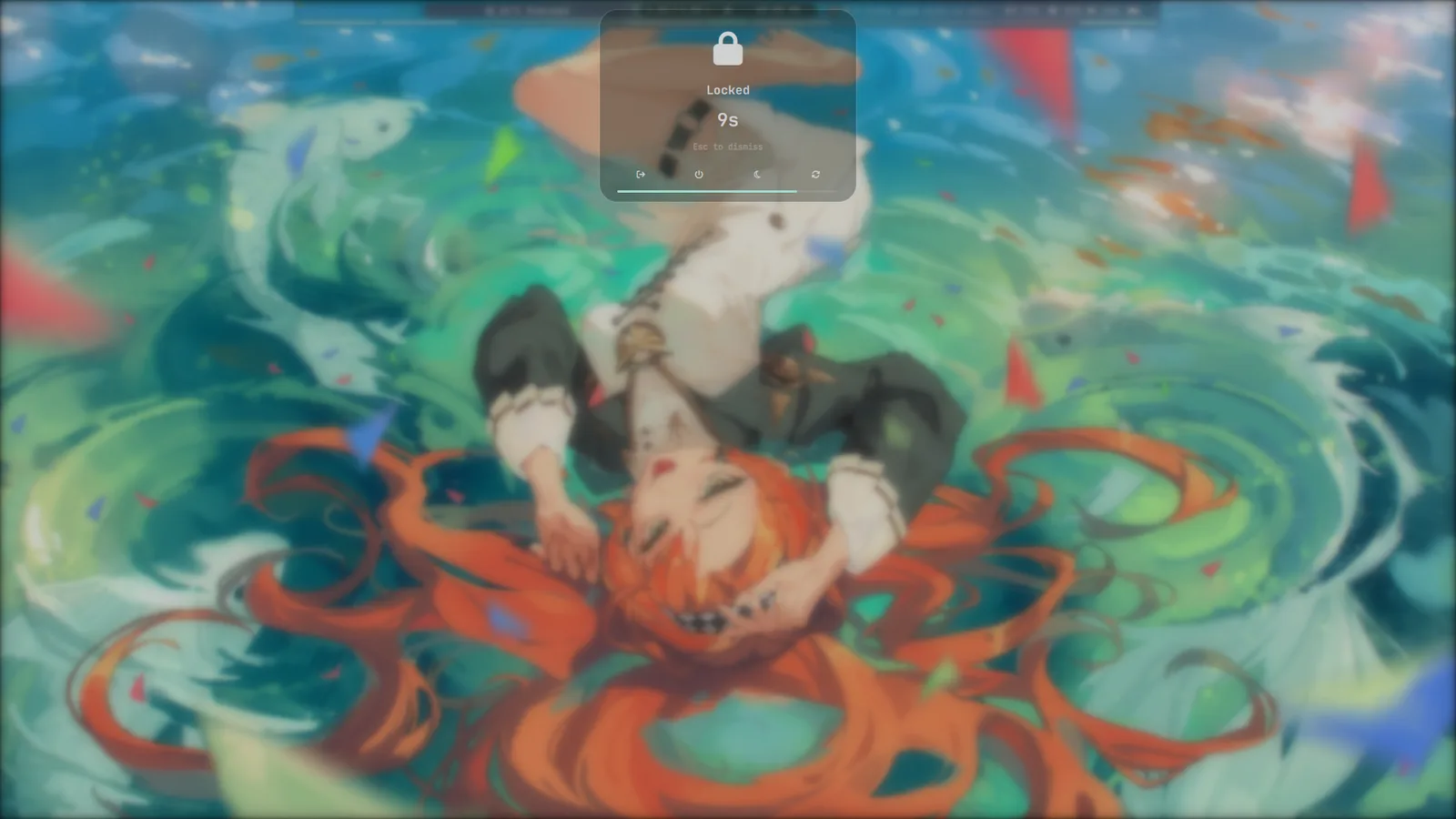
The lock screen is a secure Wayland session lock. SUPER + Escape locks;
SUPER + SHIFT + Escape is an alternate lock bind. By default pressing
Escape within the 10-second grace period dismisses the lock without a
password. Change the grace period in Settings → Lockscreen.
SUPER + CTRL + Escape locks and then suspends after one second.
SUPER + CTRL + SHIFT + Escape runs shutdown now immediately.
Screenshots and recording#
Capture is handled by ~/.config/hypr/scripts/screenshot.sh (grim/slurp) and
~/.config/hypr/scripts/screenrecord.sh (gpu-screen-recorder). Settings for
format, directory, clipboard behaviour, cursor, codec, frame rate and more live
in the Settings panel and are read from
~/.cache/quickshell/settings/settings.json.
| Action | Shortcut |
|---|---|
| Screenshot focused monitor | SUPER + SHIFT + S |
| Screenshot selected area | SUPER + CTRL + SHIFT + S |
| Screenshot every monitor | SUPER + ALT + S |
| Toggle recording (monitor) | SUPER + SHIFT + R |
| Toggle recording (area) | SUPER + CTRL + SHIFT + R |
| Toggle recording (all monitors) | SUPER + ALT + R |
Default locations are ~/Pictures/Screenshots/{fullscreen,area} and
~/Videos/ScreenRecords/{fullscreen,area}. The bar shows a recording island
while a recorder is active.
Under the hood#
| Layer | Implementation |
|---|---|
| Compositor | Hyprland, Lua configuration |
| Shell | Quickshell/Qt Quick, pure QML with Python and Rust helpers |
| Theme applier | ColorEclipse (coloreclipse) |
| Wallpapers | WallEclipse (walleclipse) + mpvpaper for video |
| Terminal | foot |
| Login | greetd + Quickshell greeter |
Read Configuration next to learn where each of those is configured.